Telehealth app development: features, privacy and a launch checklist
A telehealth product is two products: a calm, simple experience for patients and an efficient workspace for clinicians. Here is how to build both, safely.

Key takeaways
- Design separate apps or workspaces for patients and clinicians; their jobs are different
- Video is only one part: booking, intake, notes, prescriptions and follow-up make the service work
- Privacy, consent and audit trails belong in the first sprint, not the last
- Integrate with existing records and pharmacy systems instead of replacing them
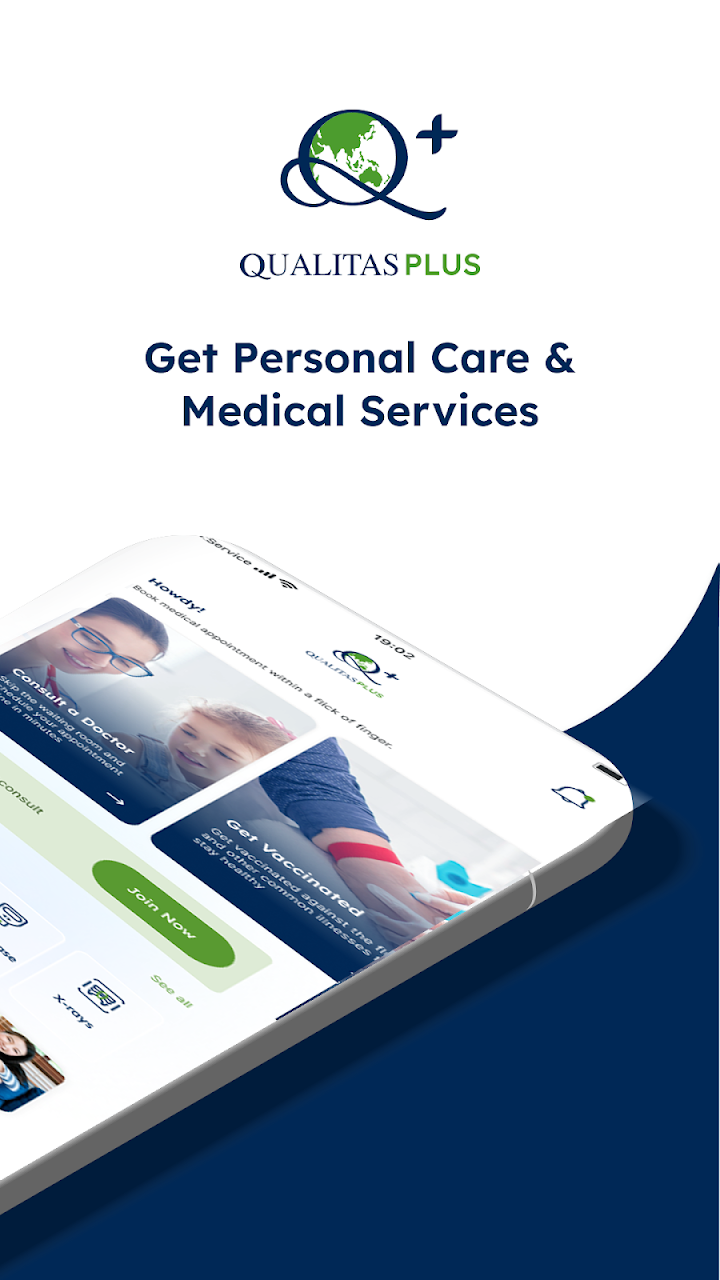
Telehealth has moved from emergency workaround to a normal way of receiving care. The products that succeed feel simple to patients and save clinicians time. We have built telehealth products for online doctor services, specialist programmes and medical groups, including SwiftDoc in Australia, the Heal@Home patient and therapist apps in Canada, and the Qualitas telehealth app in Malaysia. This guide shares what we have learned.
Two users, two experiences
Patients and clinicians come to a telehealth product with very different goals.
- Patients want to be seen quickly, understand what happens next and feel their information is safe. Every extra form field costs you completed consultations.
- Clinicians want a clear queue, the patient’s history in one view, fast notes and one-click prescriptions or certificates.
That is why Heal@Home runs a separate therapist app alongside the patient app, and why SwiftDoc keeps the patient path from request to consultation as short as possible across web, iOS and Android.
The features that make a consultation work
Before the consultation
- Sign-up with identity verification where required.
- Intake questions that route the patient to the right service.
- Booking with real availability, or an on-demand queue with an honest wait time.
- Payment or insurance details captured before the call.
During the consultation
- Secure, in-app video with a waiting room and a reliable fallback to audio.
- Patient history, intake answers and previous notes visible to the clinician.
- Structured notes, e-prescriptions, referrals and certificates in the same screen.
After the consultation
- Summary and next steps in the patient app.
- Follow-up messages, reminders and repeat bookings.
- Reports for operations: volumes, wait times and clinician utilisation.
Our Telehealth Platform and Doctor Appointment App include these journeys out of the box, so teams can focus on their own service model.
Privacy and trust by design
Health data is among the most sensitive information a product can hold. Build these controls from the first sprint:
- Least-privilege access: each role sees only what it needs.
- Consent records for data use, recordings and sharing.
- Audit logs of every view and change of patient data.
- Encryption in transit and at rest, and hosting in the region your rules require.
Requirements differ by country, for example HIPAA in the United States and GDPR in Europe. We bring delivery experience with these requirements and work within your compliance framework; clinical decisions always stay with qualified professionals.
Where AI helps today
Practical AI in telehealth supports clinicians rather than replacing them: summarising intake answers, drafting consultation notes for review, answering common patient questions from approved content and routing documents. Citrus Oncology applies agentic AI to help care teams spot and manage treatment side effects earlier, with specialists in control. If you are exploring this, start with one well-defined task and a human approval step.
Launch checklist
- Patient journey tested end to end on slow networks and older phones.
- Clinician workspace tested with real clinicians, not just the product team.
- Video quality and fallback tested across devices.
- Privacy, consent and audit controls reviewed against your regulations.
- Payments, refunds and receipts working for every payment method.
- Support process and escalation paths defined before launch day.
Next steps
See our healthcare work, explore the Telehealth Platform, or book a walkthrough with a healthcare solution architect.
Put this guide into practice
Frequently asked questions
What features does a telehealth app need?
At minimum: patient sign-up and intake, booking or on-demand queues, secure video consultations, clinician notes, e-prescriptions or referrals, payments and follow-up messaging.
Do telehealth apps need separate apps for doctors?
Usually yes. Clinicians need a workspace for queues, patient history and notes, which is very different from what patients need.
How do you protect patient data?
With role-based access, consent records, encryption in transit and at rest, audit logs of every access and hosting in the region your regulations require.
Can a telehealth app connect to our EMR?
Yes, through the EMR’s APIs or standards such as HL7 FHIR where available, so new apps work alongside existing systems.